Choose what matters.
Hear important visible text, switch to Full page for context, or select a menu item. Preview the words before playback.
PAGERANK KINGS · LISTEN
Another way to enjoy your restaurant, café, bar, brewery, or food truck website. Guests can listen to menu text, hours, and events—at their own pace.
Developed by PageRank Kings · Custom apps for food & drink.
Free to listen. No AI credits. Silent until you choose.
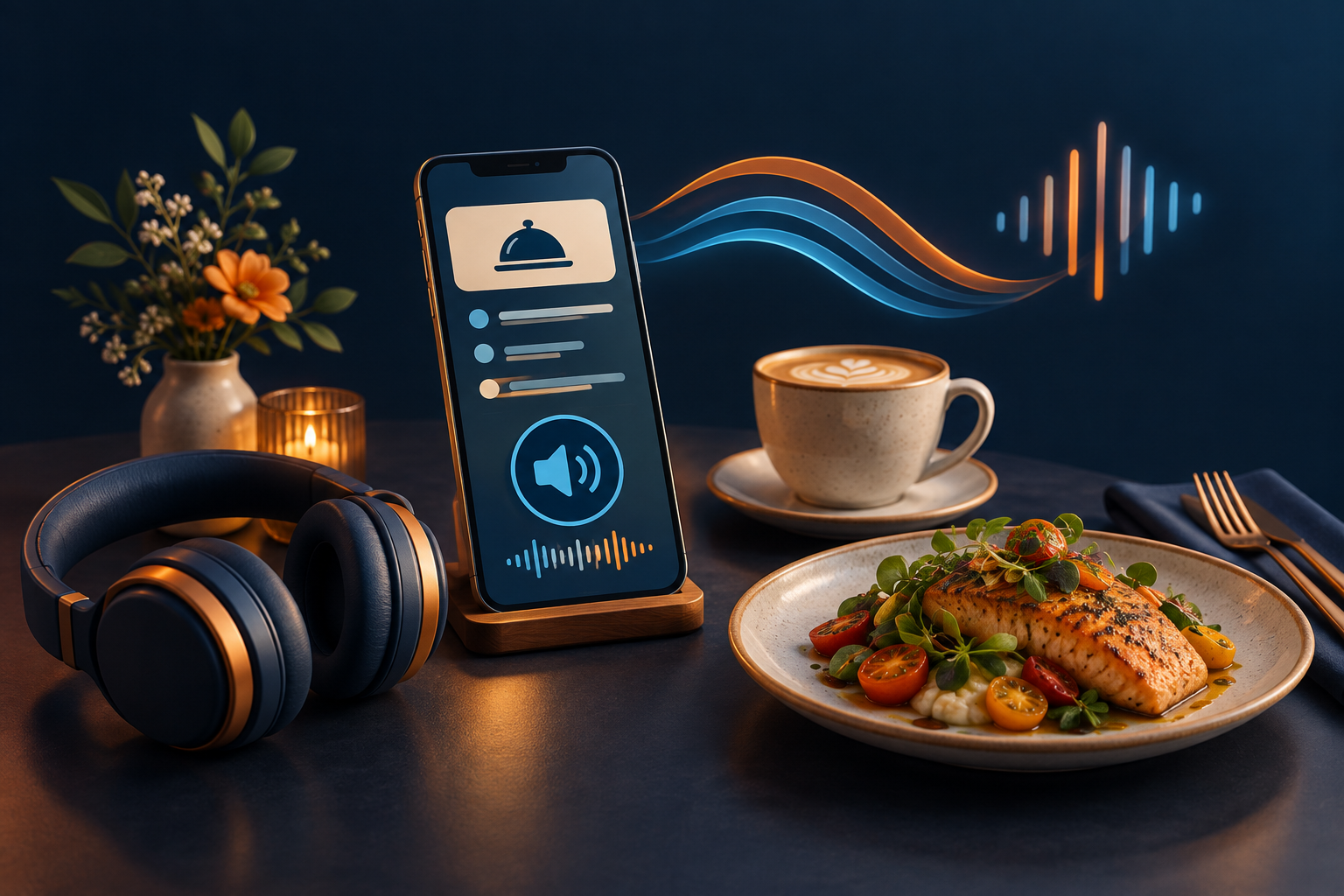
A SMALL CHOICE. A WARMER WELCOME.
Hear important visible text, switch to Full page for context, or select a menu item. Preview the words before playback.
Search installed voices, compare a short sample, and adjust speed, pitch, volume, and text size. Use the free voice-installation guide for your device.
Nothing reads automatically unless you turn Auto-talk ON. A visible status and Stop & turn off stay within reach while browsing.
MORE CHOICE. NO PER-LISTEN BILL.
Start with the voices already on your device. Download additional free system voices where offered, then refresh the list. Enhanced options can sound different—preview them and choose what you prefer.
The reader lists only voices your browser reports as local. Availability, pronunciation, and sound quality vary. A downloaded voice is not guaranteed to appear in every browser.
Open Settings → Time & language → Speech → Manage voices → Add voices. Install speech voices, restart the browser if needed, then choose Refresh voices. Microsoft’s installation guide ↗
Narrator Natural voices are a separate Windows reader option; they are not promised as selectable voices on this website.
Open System Settings → Accessibility → Read & Speak (Spoken Content on older versions). Open System voice details to preview and download voices, including Enhanced options where available. Apple’s Mac voice guide ↗
In Settings → Accessibility, look for Read & Speak or Spoken Content → Voices. Select a language and download an available voice. Apple’s mobile voice guide ↗
Search Settings for Text-to-speech output, open your engine’s settings, and choose Install voice data. Options vary by device. Google’s Android voice guide ↗
MEET THE DEVELOPER · PAGERANK KINGS
PageRank Kings develops apps for restaurants and the food-and-drink industry. PageRank Kings Listen is one example. Talk to the team about a branded reader, a custom guest experience, or an app shaped around how your business works.
Contact PageRank Kings for custom work ↗Tell us your website, business type, locations, and what you want to improve. Scope and pricing are agreed before paid work begins.
Discuss menu, event, guest-service, and operational ideas for your business.
Ask about a branded listening experience for one location or your whole group.
Bring your current tools and workflow. We’ll review feasibility and propose a scoped solution.
CLEAR ANSWERS
Listening uses your device’s local speech voices, with no paid AI API, reader account, or per-listen AI bill. Installation, hosting, and custom development can have costs and are quoted separately.
No. System downloads stay under your control in your device settings. The reader provides official guidance, Refresh voices, and Test voice. It does not silently install software or switch to cloud speech.
It reads supported visible website text. Image-only menus, scanned PDFs, inaccessible frames, and text drawn on canvas need accessible text first. It does not update prices, place orders, or make reservations.
It selects excerpts of the page’s original text using browser-side rules—not an AI summary. It can miss context. Use Full page or select specific text for more control.
Pages and the reader open silently by default. Read aloud is a manual action. Auto-talk requires opt-in and stays visible while enabled. Stop & turn off or Close disables it. Background tabs pause, and browser policy can require a fresh playback gesture after navigation.
No. It is an optional reading aid, not an ADA certificate, a replacement for a screen reader, or a repair for inaccessible site design. Accessible structure, content, and testing still matter.
Reader text is processed in your browser, not sent to an AI or speech service. Reading preferences and an optional auto-talk expiry time are saved on your device. Page text stays in memory unless you explicitly download it. The website’s other services have their own privacy practices.
Contact PageRank Kings, the developer of PageRank Kings Listen. Include your business, website, and the custom app or integration you have in mind. No purchase is made by trying this demo.