Assist
Search, summarize, draft and guide.

Move from a quick-launch product into custom development, connected operations or enterprise infrastructure without changing partners.
PageRank Kings adds AI to websites, apps, devices, HubSpot, support, research, security, content, data and operations. We begin with one bounded job, connect approved information, keep people in control and measure what actually improves.

An assistant answers. An agent can take approved steps. An orchestration coordinates several systems. A complete AI operation adds permissions, source grounding, evaluation, monitoring, recovery and a human escalation path.
Search, summarize, draft and guide.
Use bounded tools with explicit permissions.
Move work across CRM, APIs and people.
Evaluate outcomes and improve the governed workflow.
Every path includes discovery, data boundaries, prototype behavior, evaluation, launch controls and an operating plan.
Find repeatable work, data boundaries, risks and the smallest useful first release.
Open AI system ↗02Guide visitors to accurate answers, services, locations, resources and human help.
Open AI system ↗03Summarize history, identify next actions, draft follow-up and expose missing customer context.
Open AI system ↗04Score signals, enrich context and place opportunities in the correct governed workflow.
Open AI system ↗05Resolve bounded requests, retrieve approved knowledge and escalate uncertainty to people.
Open AI system ↗06Watch approved sources, compare changes and produce evidence-linked briefings.
Open AI system ↗07Turn source material into outlines, variations, repurposed assets and controlled publishing queues.
Open AI system ↗08Map intent, entities, evidence, internal links and content gaps across a large route graph.
Open AI system ↗09Build account briefs, proposal starting points, objection answers and meeting preparation.
Open AI system ↗10Extract, classify, compare and route information from forms, PDFs, images and records.
Open AI system ↗11Detect missing fields, duplicates, conflicts, stale records and association problems.
Open AI system ↗12Explain operational changes and anomalies without replacing the underlying metrics.
Open AI system ↗13Coordinate APIs, queues, approvals, notifications and recovery across disconnected tools.
Open AI system ↗14Bring guided steps, scanning, offline capture and decision support into mobile workflows.
Open AI system ↗15Connect calling, transcription, summaries and follow-up with consent-aware controls.
Open AI system ↗16Classify, transcribe, caption, repurpose and organize visual and audio assets.
Open AI system ↗17Correlate trusted alerts, changes and public threat reporting for human review.
Open AI system ↗18Help residents find accurate forms, programs, deadlines and responsible departments.
Open AI system ↗19Compare requirements, build compliance matrices and identify unresolved assumptions.
Open AI system ↗20Create grounded study paths, knowledge checks and role-specific support.
Open AI system ↗21Connect discovery, context, inventory and lifecycle signals without opaque manipulation.
Open AI system ↗22Rank relevant providers, listings or opportunities using transparent factors and review paths.
Open AI system ↗23Test accuracy, safety, latency, cost and failure behavior against real use cases.
Open AI system ↗24Connect approved company sources with retrieval controls, permissions and auditability.
Open AI system ↗Timing depends on data access, integrations, risk and review requirements. A contained assistant may begin as a short prototype; cross-system operations need staged releases and deeper verification.
PageRank Kings can design resident navigation, document workflows, procurement support, knowledge systems and cybersecurity intelligence with accessibility, explainability, auditability, human approval and incident response treated as architecture requirements.
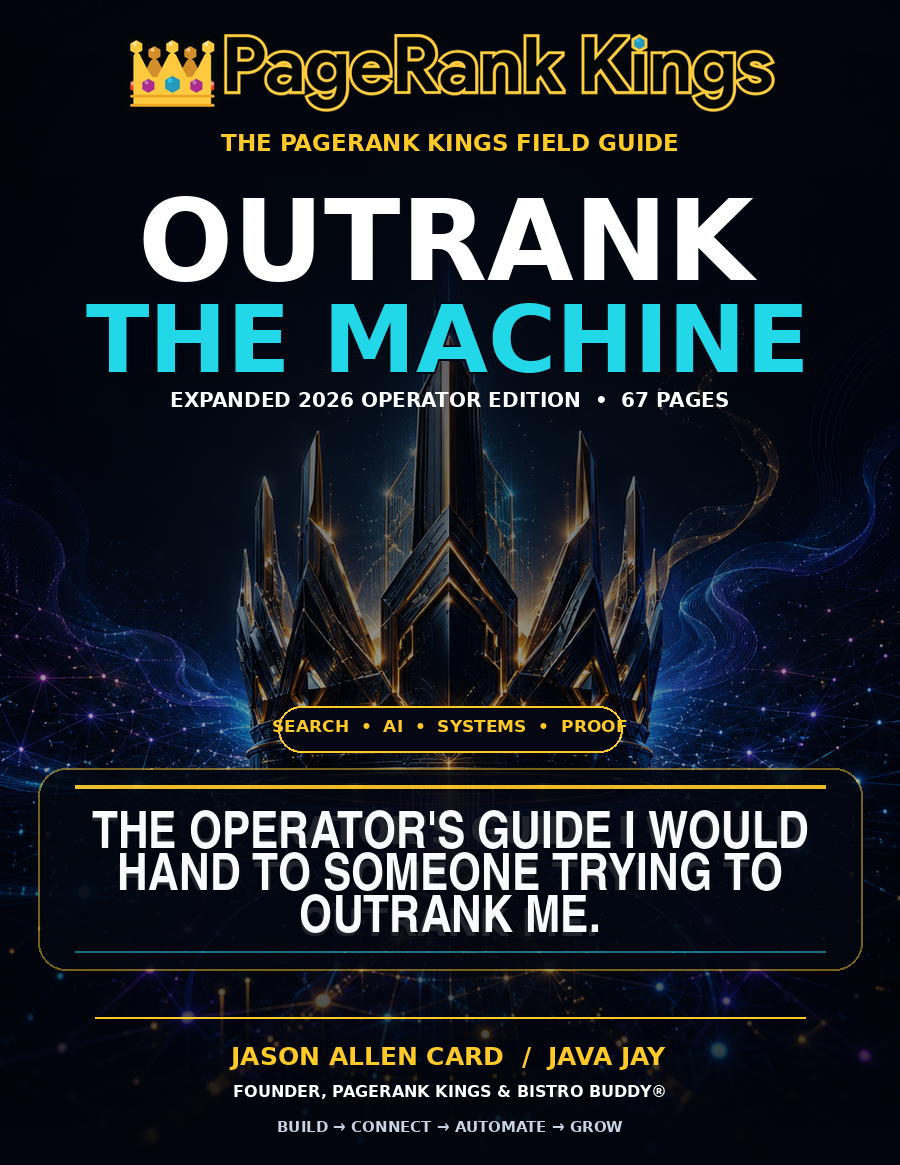 FREE GUIDE
Use Java Jay's field guide to connect search, AI, proof, CRM and the operating system behind growth.
Open pathway ↗ BUILD
BUILDPrice a practical combination of services, systems and operating requirements.
Open pathway ↗ AI
AISee assistants, agents, devices, CRM, cybersecurity and governed automation.
Open pathway ↗ LOCAL
LOCALExplore every state, county and indexed community in the U.S. coverage network.
Open pathway ↗ LEARN
LEARNMove from the current question into guides, buyer answers and implementation paths.
Open pathway ↗ SIGNAL
Track technology changes and the gatherings shaping the next buying cycle.
Open pathway ↗