
OPENSEARCH
INSIDE A COMPLETE SYSTEM.
PageRank Kings can evaluate OpenSearch for a new build, integration, migration, repair or optimization path when it fits the business and operating requirements.
Make data move reliably between products, teams and decisions with visible contracts and recovery paths.
The proposal confirms the implementation, versions, integration boundaries, security needs and ownership. The catalog is a starting point for discovery—not a promise that every tool belongs in every stack.
- What result must the technology enable?
- What data and integrations must it protect?
- Who publishes, operates and supports it?
- What performance and accessibility contract applies?
- How will releases, monitoring and recovery work?
- What evidence will justify keeping it?
The technology only matters when the surrounding system works.
Compare adjacent paths before locking the architecture.
Every answer opens the next useful path.
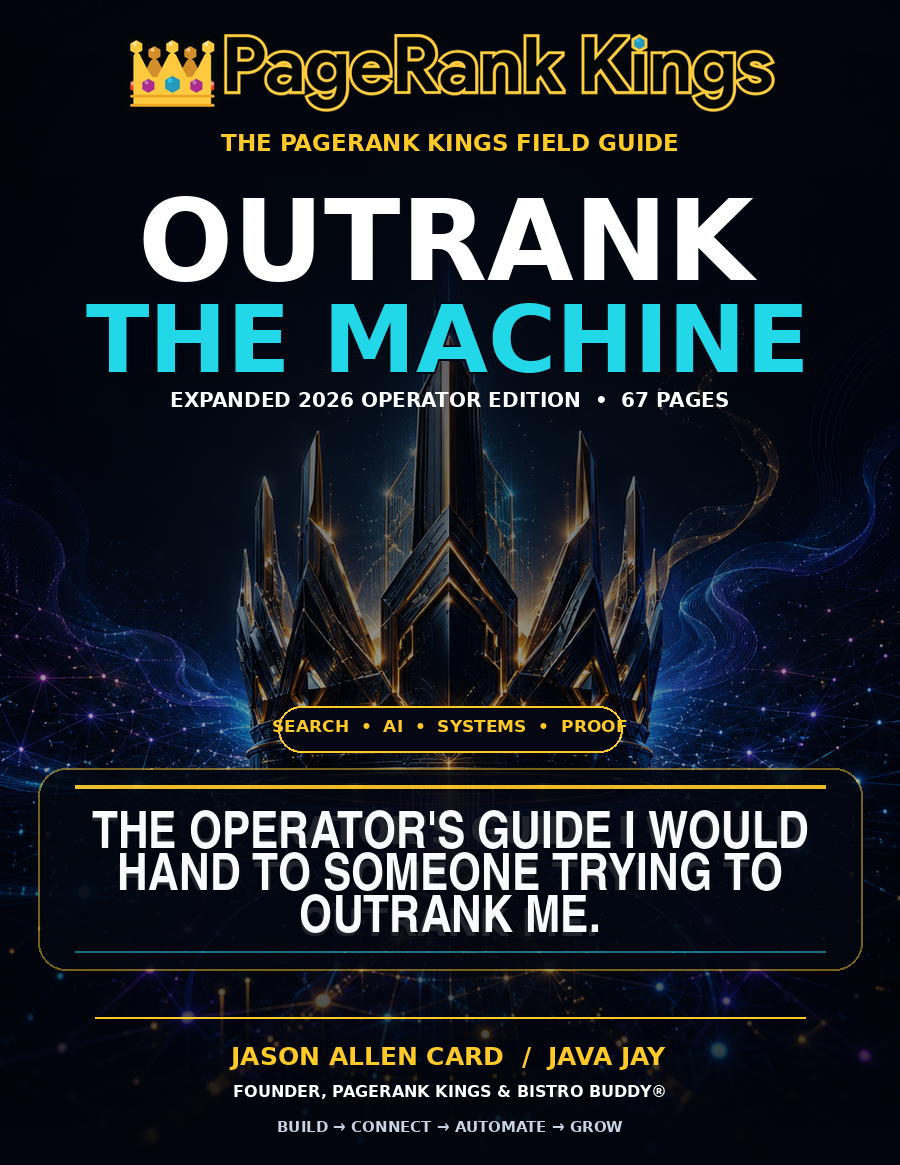 FREE GUIDE
OUTRANK THE MACHINE
Use Java Jay's field guide to connect search, AI, proof, CRM and the operating system behind growth.
Open pathway ↗ BUILD
BUILDQuote & Scope Lab
Price a practical combination of services, systems and operating requirements.
Open pathway ↗ AI
AIAI Systems Center
See assistants, agents, devices, CRM, cybersecurity and governed automation.
Open pathway ↗ LOCAL
LOCALNationwide Location Graph
Explore every state, county and indexed community in the U.S. coverage network.
Open pathway ↗ LEARN
LEARNLearning & Answers
Move from the current question into guides, buyer answers and implementation paths.
Open pathway ↗ SIGNAL
News & Events
Track technology changes and the gatherings shaping the next buying cycle.
Open pathway ↗